Transitioning your business to Google Workspace can feel like tackling a “beast,” but it doesn’t have to be overwhelming. If you are new to the platform, mastering the basics is the first step toward a secure and efficient digital office.
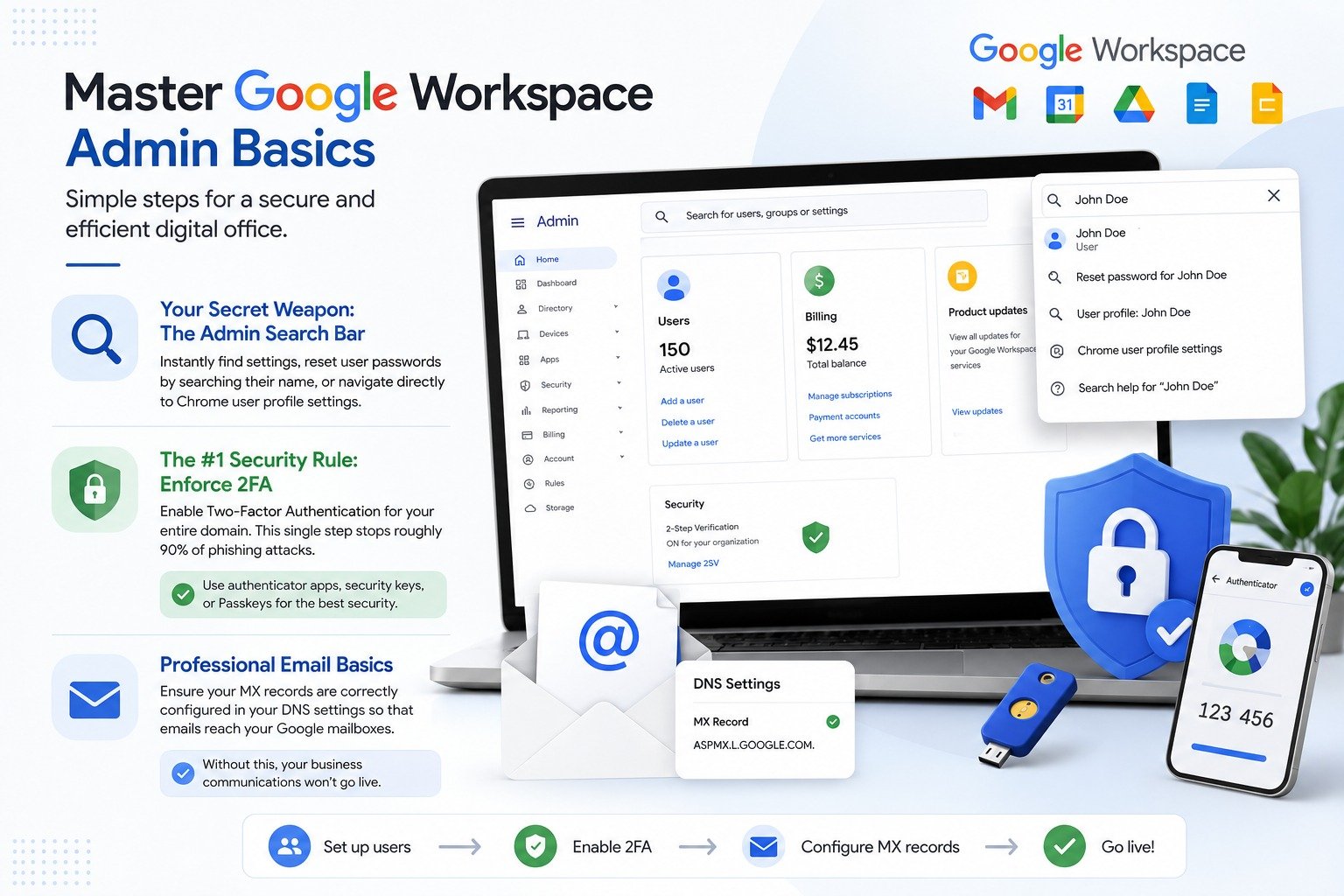
Your Secret Weapon: The Admin Search Bar Don’t waste time digging through complex menus. The Search bar within the admin panel is incredibly powerful; you can use it to instantly find specific settings, reset a user’s password by searching their name, or navigate directly to Chrome user profile settings.
The #1 Security Rule: Enforce 2FA If you do nothing else, enable Two-Factor Authentication (2FA) for your entire domain. This single step stops roughly 90% of phishing attacks. For the best security, move away from phone-based codes and encourage your team to use authenticator apps, security keys, or Passkeys.
Professional Email Basics Once your users are set up, ensure your MX records are correctly configured in your DNS settings so that emails actually reach your new Google mailboxes. Without this, your business communications won’t go live.